



Description
Download Biugo Magic Effects Video Editor APK – video editor, free video editor, video effects, video filters, short video editor, video maker, social media video editor, mobile video editor, video editing app, video templates, video editing tool, video editing software, video maker app, video editing utility
Overview
Biugo Magic Effects Video Editor is a mobile-focused video editing application designed for users seeking a quick and creative way to produce short-form videos. Developed by BagoBiugo, the app aims to simplify the video creation process by offering a suite of effects, filters, and templates tailored for social media content. Its primary purpose is to enable users to transform raw clips into engaging, visually dynamic videos with minimal effort. The app is particularly suited for casual content creators, social media enthusiasts, and individuals who frequently share short videos on platforms like Instagram, Facebook, and WhatsApp. It supports the creation of clips up to one minute in length, making it ideal for trend-driven content such as reels, stories, and short-form videos. The app also includes a built-in community feed where users can discover, share, and interact with content from others. While the app is free to download and use, it imposes certain limitations, including a watermark on all exported videos and the inability to edit longer clips. These constraints may affect professional or high-quality content production, but the app remains accessible and user-friendly for personal and recreational use.Key Features & Capabilities
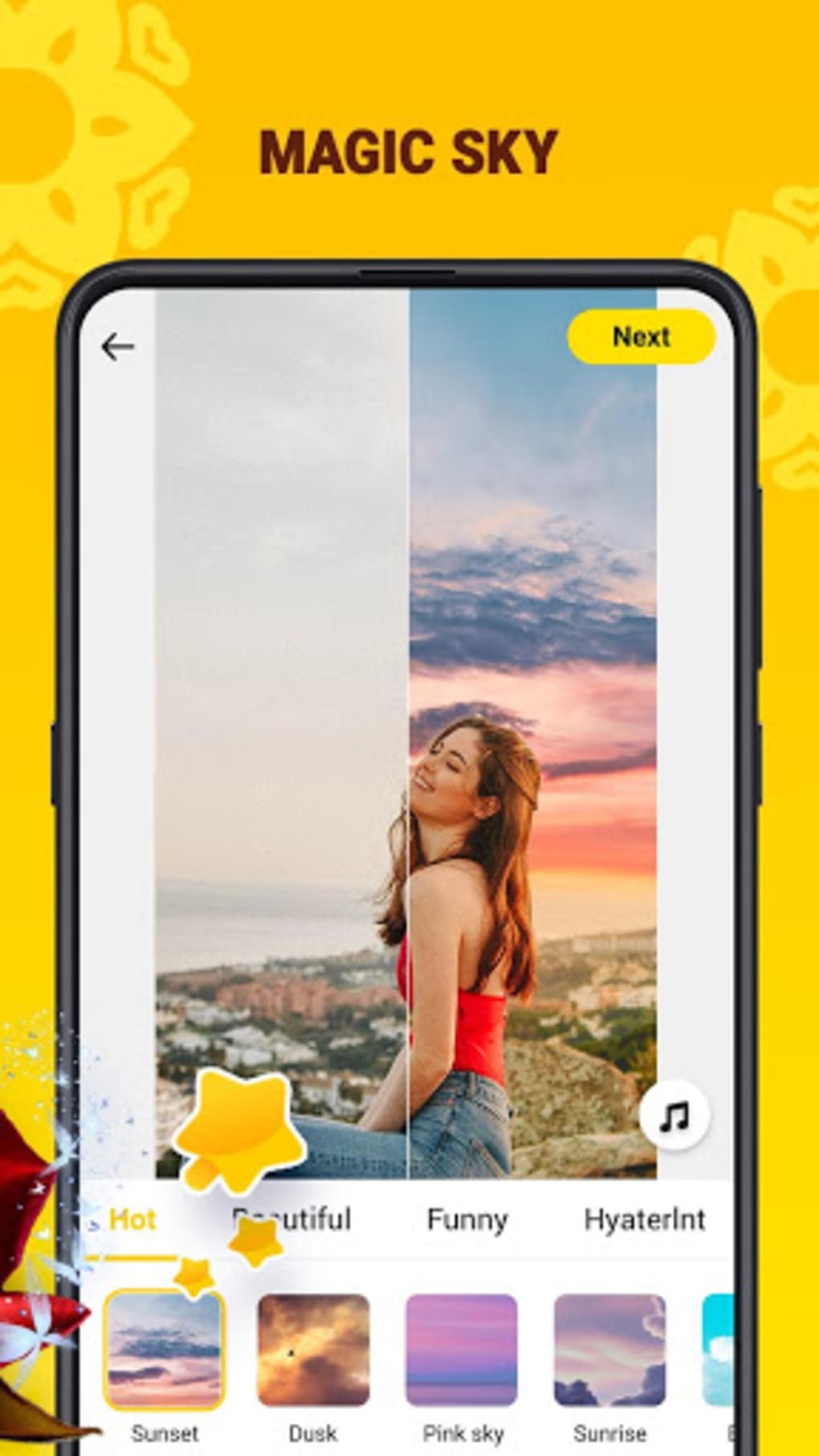
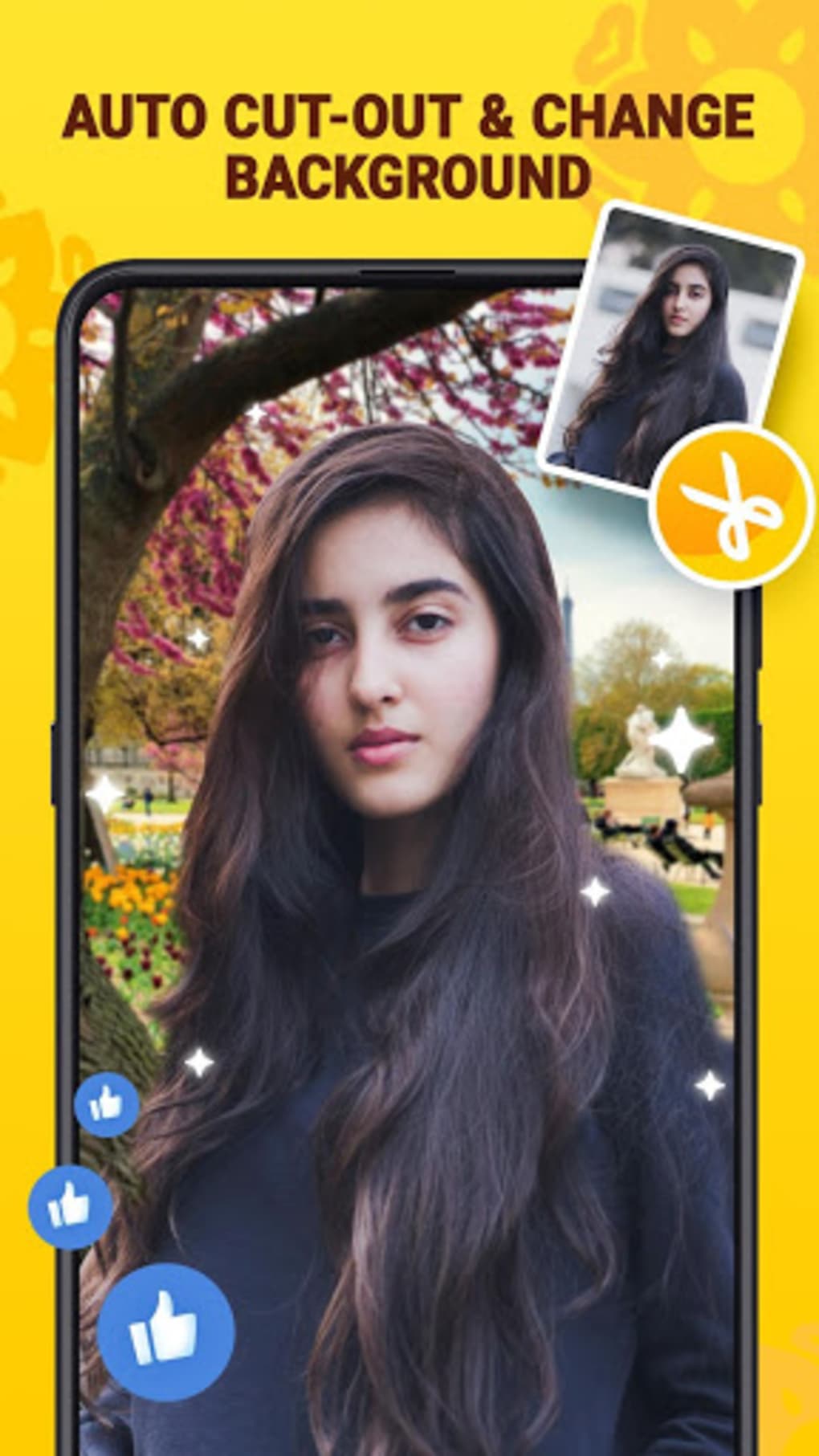
- Video Effects and Filters: The app provides a wide range of visual effects and filters that can be applied to video clips to enhance their aesthetic appeal. These include dynamic transitions, animated overlays, and color grading tools.
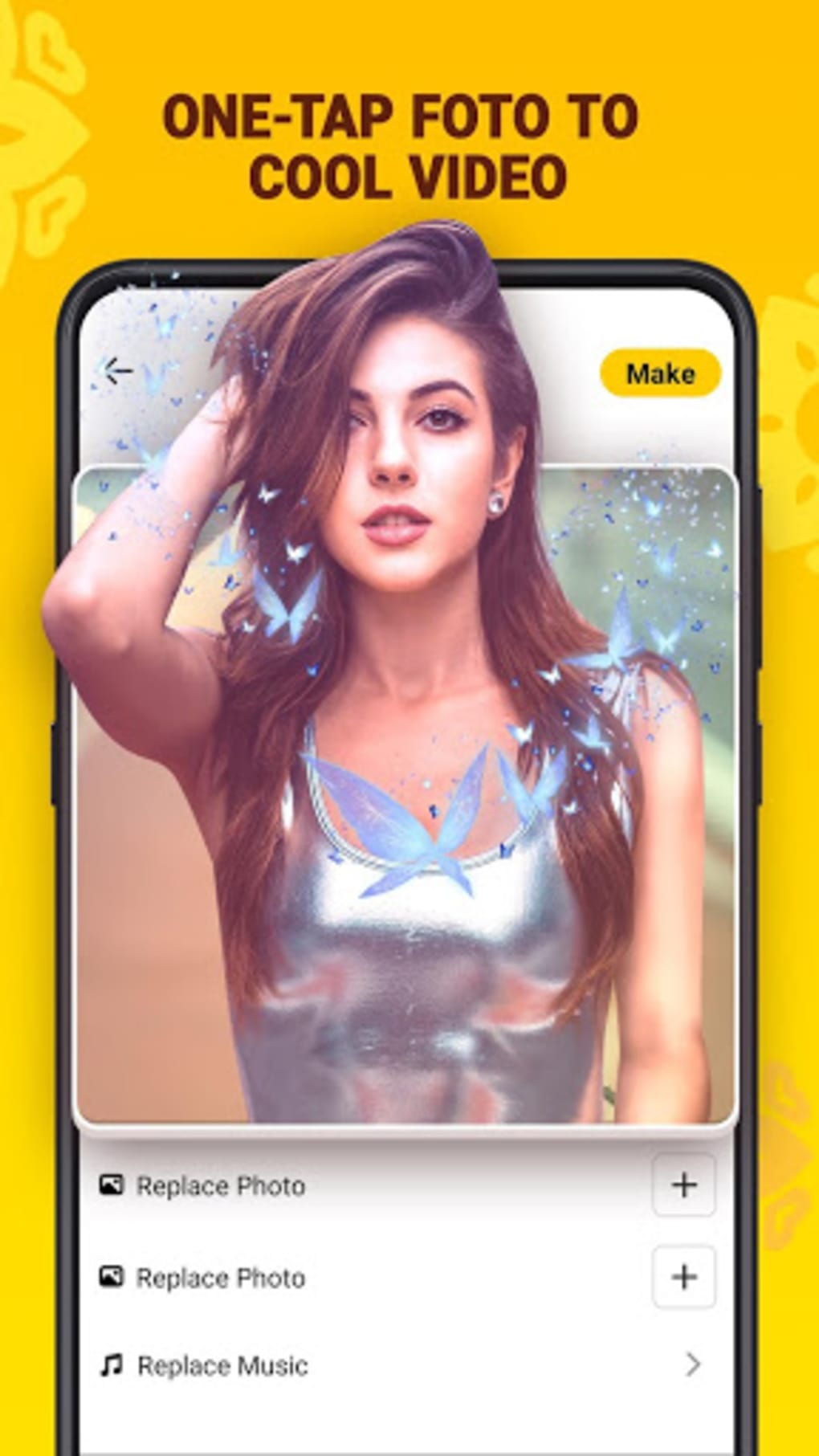
- Pre-Made Templates: Users can select from a library of ready-to-use templates designed for specific themes such as comedy, sports, or dance, allowing for rapid content creation without manual adjustments.
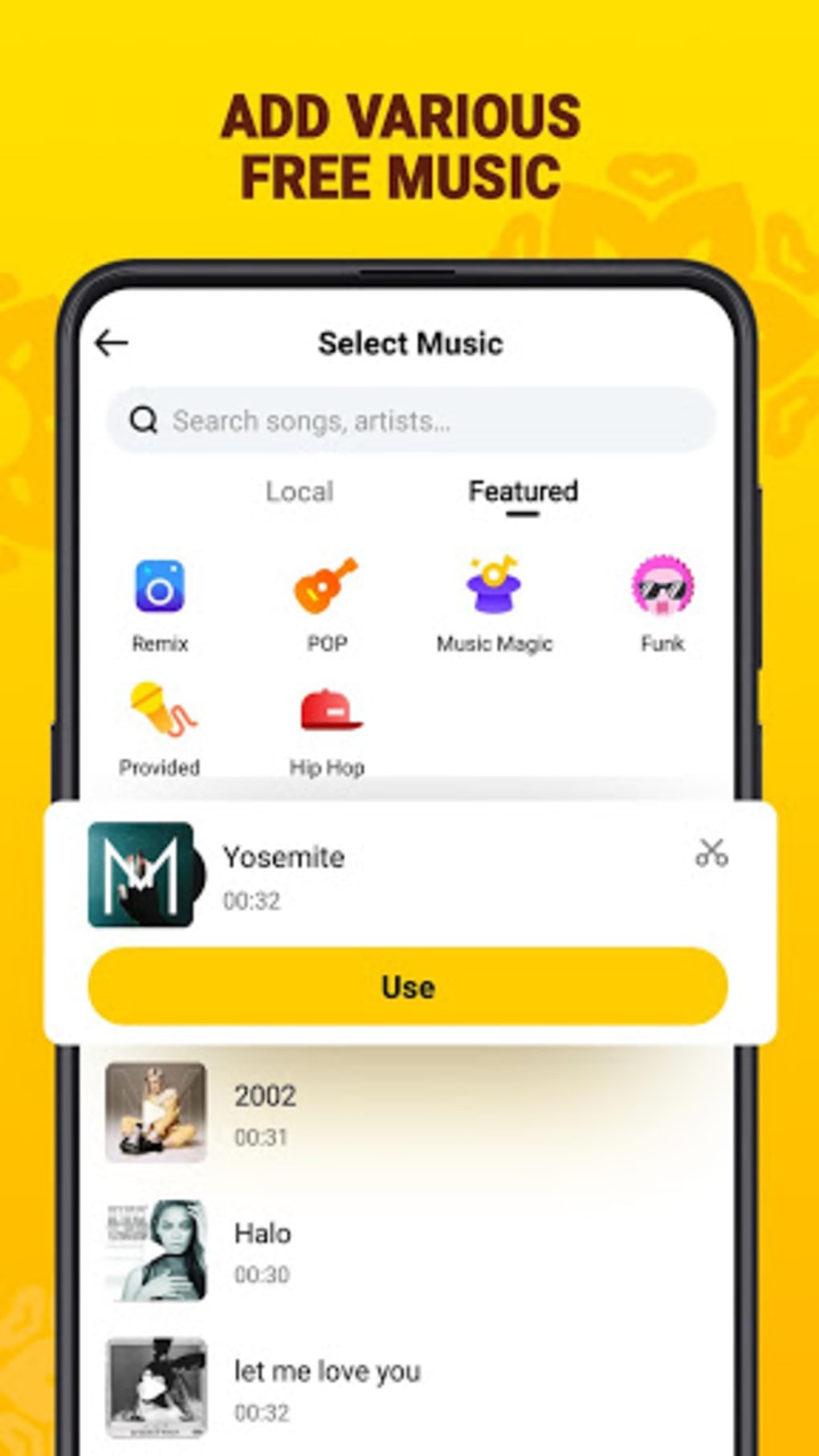
- Background Music and Audio Integration: The app includes a selection of background tracks and sound effects that can be synced with video clips to improve storytelling and engagement.
- Image and Slide Show Support: Users can incorporate still images into their videos and arrange them into slideshow formats, useful for creating photo-based narratives or memory reels.
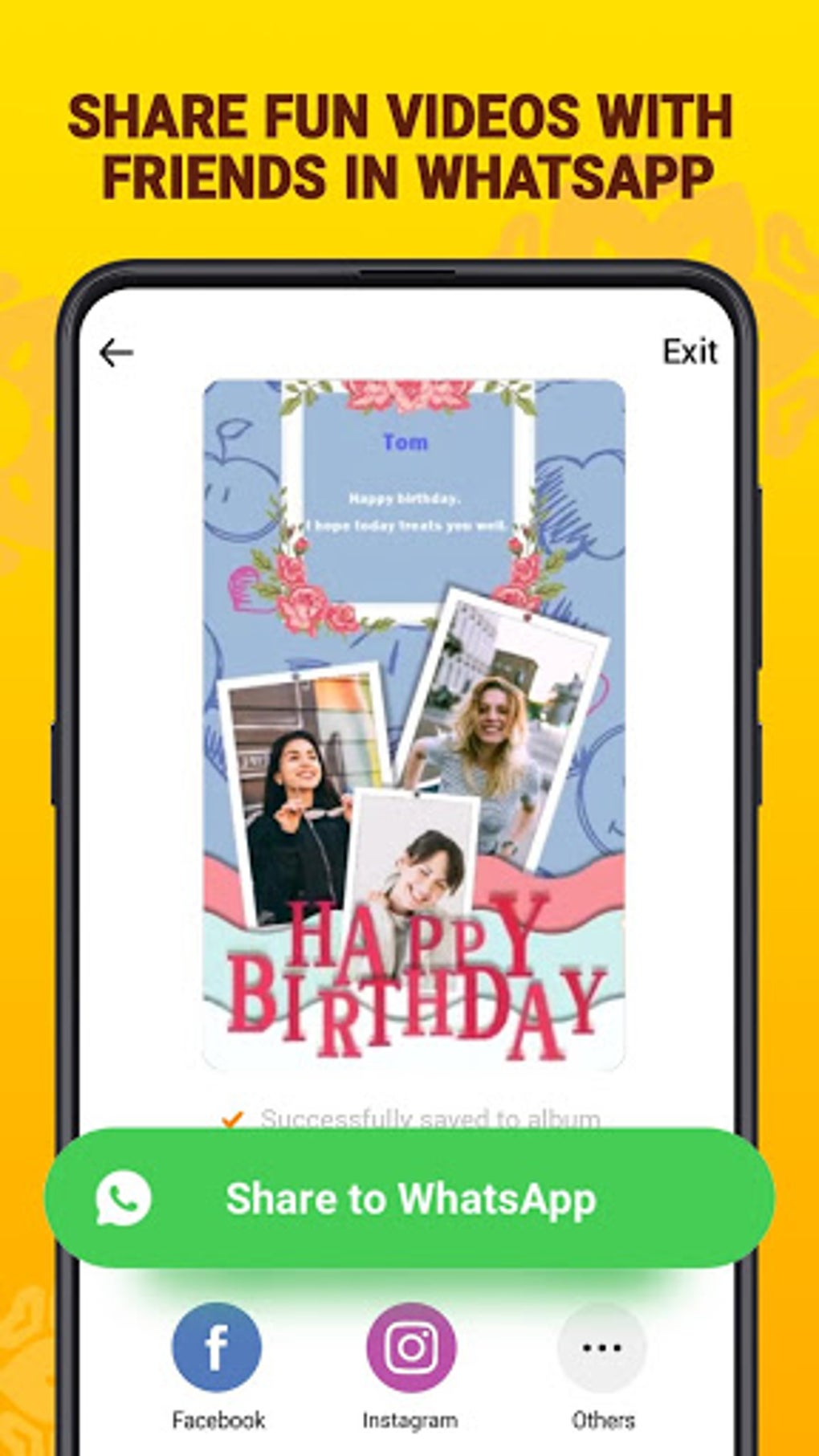
- Direct Social Media Sharing: Completed videos can be exported and shared directly to platforms such as Instagram, Facebook, WhatsApp, and Messenger, streamlining the content distribution process.
- Community Feed Integration: The app features an in-app social feed where users can view, like, and share videos created by others, fostering a sense of community and content discovery.
- Template Sharing: Creators can upload their custom video templates to the community, enabling other users to reuse them in their own projects.
User Interface, Workflow & Performance
The user interface of Biugo Magic Effects Video Editor is designed with simplicity and visual appeal in mind. Navigation is structured around a central timeline and a sidebar of tools, allowing users to access effects, filters, music, and templates with minimal clicks. The layout is intuitive, with large icons and clear labeling, making it accessible even for users with limited editing experience. The workflow follows a linear process: import clip → apply effects/templates → add music/images → preview → export and share. This streamlined approach reduces friction and supports fast content creation. The app operates efficiently on Android devices, though exact performance metrics such as CPU or RAM usage were not specified by the developer. General behavior suggests smooth operation during basic editing tasks, though performance may vary depending on device capabilities. The app maintains stability during typical use, though users may encounter delays when applying complex effects or exporting videos with multiple layers. The developer did not provide detailed information about background processes or resource consumption, so users should monitor performance on lower-end devices. Overall, the app delivers a responsive experience suitable for casual video editing on mobile platforms.Compatibility & System Requirements
Biugo Magic Effects Video Editor is compatible with Android operating systems, as confirmed by the developer. The app is available in version 1.1.2 and has a file size of 36.7 MB, indicating a lightweight installation. This suggests it is optimized for a wide range of Android devices, including those with limited storage and processing power. However, the developer did not specify exact system requirements such as minimum Android version, RAM, or CPU specifications. Compatibility information is limited to the OS platform, so users should ensure their device runs a supported version of Android. The app does not require a high-end device to function, but performance may vary based on individual hardware. The developer did not provide details about cloud sync, offline functionality, or background processing. Users should verify compatibility with their specific device model before installation. For those seeking a lightweight, mobile-first video editing solution, the app’s size and platform availability make it a viable option.Pros and Cons
Pros
- Free to download and use with no subscription required.
- Intuitive interface designed for quick and easy video editing.
- Extensive library of templates, effects, and filters for diverse content creation.
- Direct sharing options to major social media platforms.
- Integrated community feed for content discovery and user interaction.
- Supports image integration and slideshow creation.
- Lightweight installation at only 36.7 MB.
Cons
- Video output is limited to one minute in length.
- Every exported video includes a visible watermark.
- Difficulty in deleting created videos from the app’s storage.
- Limited editing capabilities for advanced users.
- No option to remove or bypass the watermark.
- Missing detailed system requirements or performance data.
FAQ Section
Is Biugo Magic Effects Video Editor available for iOS?
The app is currently available only for Android devices. There is no official iOS version released by the developer.
Can I remove the watermark from my videos?
No, the app does not provide an option to remove the watermark. All exported videos include the watermark as part of the free version.
How do I update the app?
Updates are typically distributed through the Google Play Store. Users should check for updates in their app manager or the Play Store directly.
Is the app safe to download and use?
Biugo Magic Effects Video Editor is available through official Android channels. As with any third-party app, users should ensure they download from trusted sources to maintain device security.
Can I use the app offline?
Yes, the app supports offline functionality. Users can create and edit videos without an internet connection, though some features like the community feed require online access.
Final Thoughts
Biugo Magic Effects Video Editor presents a compelling option for mobile users who prioritize speed, creativity, and social sharing in their video content. Its free access, intuitive design, and rich collection of templates and effects make it ideal for casual creators and social media users. While limitations such as the one-minute video cap and persistent watermark may hinder professional use, the app excels in delivering a fun, accessible editing experience for short-form content. The integration of a community feed adds a unique social dimension, encouraging interaction and inspiration. For users seeking a lightweight, easy-to-use video editing tool for platforms like Instagram and WhatsApp, Biugo Magic Effects Video Editor offers a practical solution. Despite its constraints, it stands out as a solid choice for those who value convenience and creativity over advanced editing control. Download Biugo Magic Effects Video Editor now.Guides & Tutorials for Biugo Magic Effects Video Editor APK
How to install Biugo Magic Effects Video Editor APK
- Click the Preview / Download button above.
- Once redirected, accept the terms and click Install.
- Wait for the Biugo Magic Effects Video Editor APK download to finish on your device.
How to use Biugo Magic Effects Video Editor APK
This software is primarily used for its core features described above. Open the app after installation to explore its capabilities.
User Reviews for Biugo Magic Effects Video Editor APK 0
No reviews found





